How long does it take to switch CRMs?
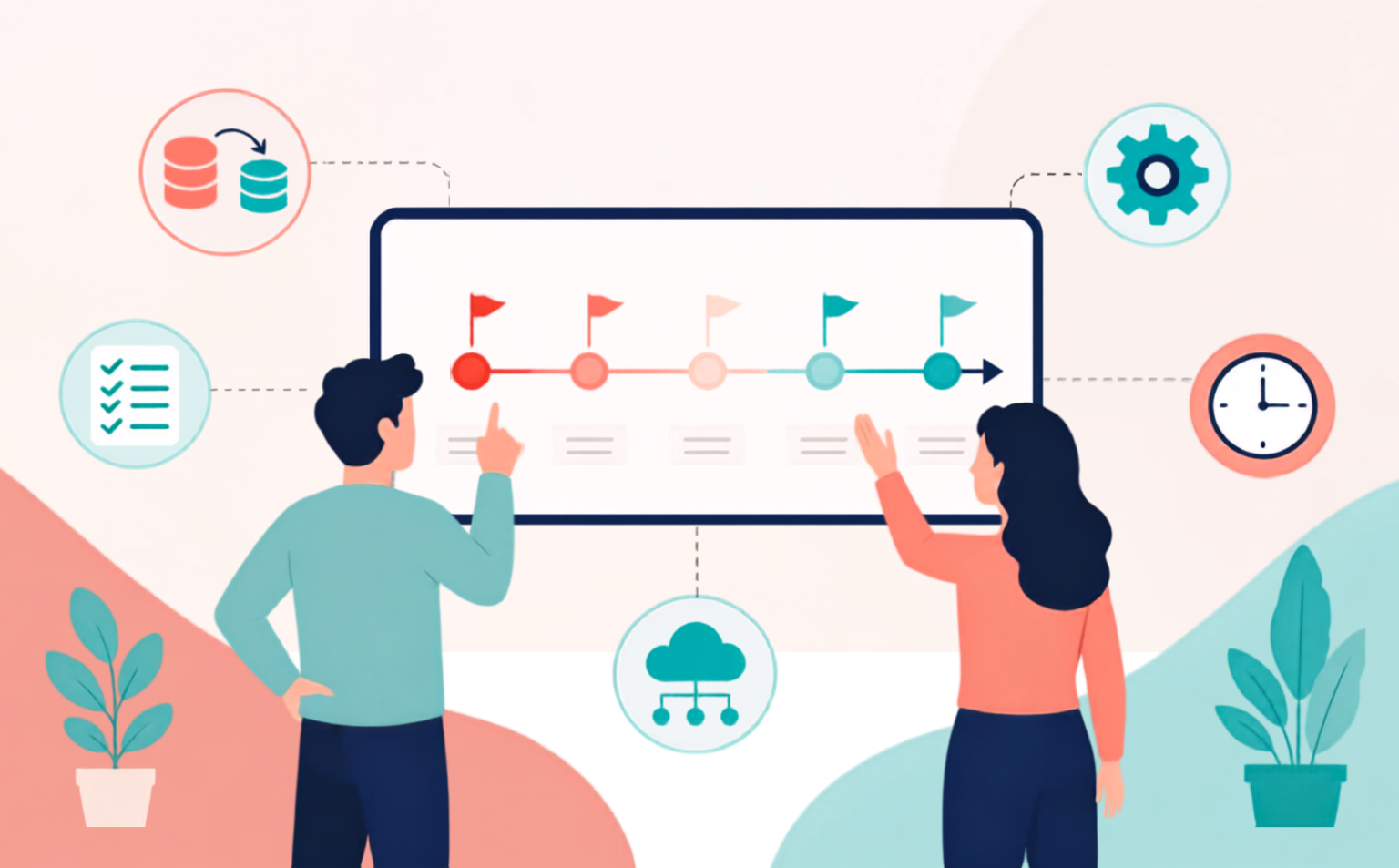
Image generated by AI
If you're weighing up a move away from your current CRM system, you may have a question around timelines.
It helps to separate what you may have heard about CRM projects in general from what switching to a system built specifically for membership organisations actually looks like.
A lot of the longer, messier stories around switching CRMs involve generic platforms that were never designed for membership work and had to be heavily customised, or projects where the scope kept growing after the contract was signed.
When the system is built for the job, the process tends to be a lot more contained and a lot more predictable than that.
What a switch involves, stage by stage
A migration to a new membership CRM generally moves through a handful of stages:
Stage 1
It starts with discovery and scoping, where your current data, processes and integrations get mapped out so the project has a clear shape.
Stage 2
From there, data migration and cleansing move your member records, payment histories and communication preferences across, which is also the point where you deal with the duplicates and inconsistencies that build up in any long-standing database.
Stage 3
Configuration is where the new system gets set up to match how your organisation actually works, including membership categories, renewal cycles, fee structures and the connections to your website, email platform and finance tools.
Stage 4
Testing and training give your team a chance to get comfortable in the system before members see any of it, and go-live is followed by a short stabilisation period while everyone settles in and any edge cases get sorted.
For most membership bodies, moving to a purpose-built system takes weeks to a few months rather than the year-long timelines that generic CRM implementations can turn into. Where you land within that range comes down to a small number of factors that are largely within your control.
What actually affects how long it takes
Data volume and complexity make the biggest difference. An organisation with one reasonably clean membership database will move faster than one pulling records together from three different spreadsheets, a legacy AMS and an email address list nobody's owned for years!
The number of integrations you need matters too. Connecting a new CRM to a website and an email platform is straightforward, while adding a learning management system, an events platform and bespoke reporting on top will naturally add time.
Internal resourcing is the factor that catches people out most often. The MemberWise Digital Excellence 2026 Report lists a lack of in-house IT skills among the most common reasons membership bodies give for systems taking longer than expected to integrate, alongside cost and the time required overall.
A migration needs someone on your team who can make decisions, check migrated data and sign off configuration as the project goes on.
It isn’t only the number of integrations that matters, either. How straightforward those integrations prove to be can affect the timeline too. 59% said ease of integration fell short of what they'd expected, the biggest gap in the report's satisfaction figures.
That's less a reason to worry about switching and more a reason to choose a provider who builds membership-specific integrations as standard and to be honest with yourself about which existing tools genuinely need to connect from day one versus which can follow once the core system is bedded in.
Why it's worth taking the foundation seriously
We think about membership success as three mountains: the foundation of the right systems and processes, the insight that comes once your data is clean and accessible, and the engagement and growth that follows when you can act on what you know.
Switching CRM is the climb up that first mountain, and it's worth doing properly. Rush it, or pick a system that isn't quite right for how your organisation works and you can end up back at base camp a few years later, migrating again because the first move was never planned correctly.
The MemberWise Digital Excellence 2026 Report shows 22% of membership bodies are planning to replace their current system within the next 12 months. That figure has come down since the last report, but it still represents a meaningful part of the sector, and most of those organisations aren't switching for the sake of it.
Staying on a system that can't keep up has its own ongoing cost, in staff time, manual workarounds, and members noticing when things don't quite work.
Frequently Asked Questions about switching CRM
-
Not entirely, but someone needs to be available to make decisions and check data as the project progresses. Good providers build the project around your team's existing workload rather than expecting it to pause.
-
It migrates across with you. Cleansing duplicates and inconsistencies along the way is a normal part of the process, not a sign that something's gone wrong with your current data.
-
Ideally, no. Testing and training happen before go-live specifically so the change is invisible to members, aside from any improvements they notice afterwards.
-
Both are possible. Some organisations connect everything from day one; others bring core systems live first and add secondary integrations, like a learning management system, in a second phase. It's worth deciding this deliberately rather than by default.
What this looks like with sheepCRM
We build our onboarding specifically around membership organisations, which is what keeps timelines realistic rather than open-ended.
Data migration and configuration run alongside training, so your team isn't left waiting for the system to be ready, and integrations with the tools membership bodies commonly rely on, like payment providers and email platforms, are part of the standard build rather than an add-on project.
If you want a clearer sense of what a switch would involve for your organisation, our membership CRM health-check is a good place to start. It takes a few minutes and gives you a practical view of where your current setup might be holding you back.
But, if you'd rather talk it through directly, we're always happy to have a working conversation about your systems and your timeline.